
Terminal Tatkal Software
Terminal Tatkal Software — fast & reliable IRCTC Tatkal ticket booking
🤔 What is Terminal Tatkal Software?
Terminal Tatkal Software ek dedicated IRCTC Tatkal booking software hai jo users aur travel agents ke liye booking workflow ko organized aur convenient banane ke liye designed hai. Terminal ke available features, pricing, login options, download details, system requirements aur VPS options ko check karke apne requirements ke according suitable plan choose karein.
Terminal Tatkal Software India ke travel agents aur travelers ke liye design kiya gaya hai jo IRCTC ki Tatkal window (AC 10:00 AM, Sleeper 11:00 AM) par confirmed ticket book karna chahte hain. Manual booking me captcha bharne aur payment karne me time lag jaata hai aur seats seconds me khatam ho jaati hain — Terminal ye sab automate karke booking ko bijli ki tarah tez bana deta hai.
Terminal ko log Terminal panel, Terminal software download ya Terminal tatkal software ke naam se bhi search karte hain — sab ek hi official software hai jo TatkalSoftware.in par milta hai.
⚙️ How does Terminal Tatkal Software work?
Terminal Tatkal Software aapki IRCTC login, passenger aur payment details pehle se save karke rakhta hai. 10:00 AM Tatkal window khulte hi ye booking form turant auto-fill karta hai, captcha aur smart OTP khud handle karta hai, aur sirf 45–55 second mein booking complete kar deta hai — manual booking se 10x tez.
📸 Terminal Screenshots
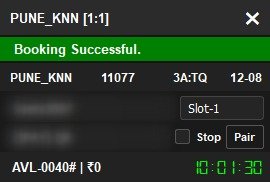
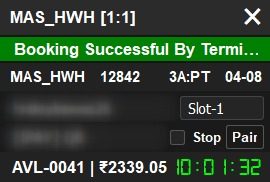
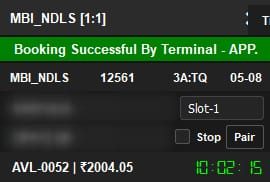
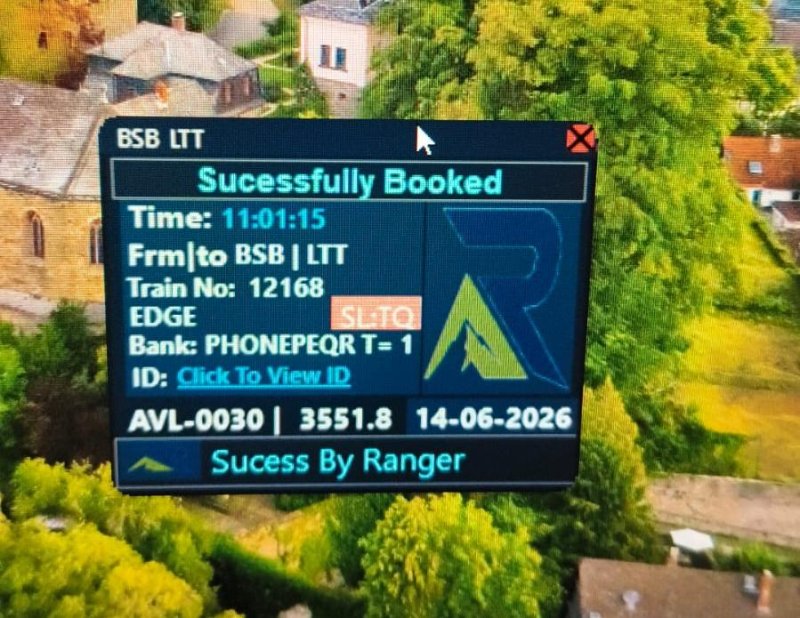
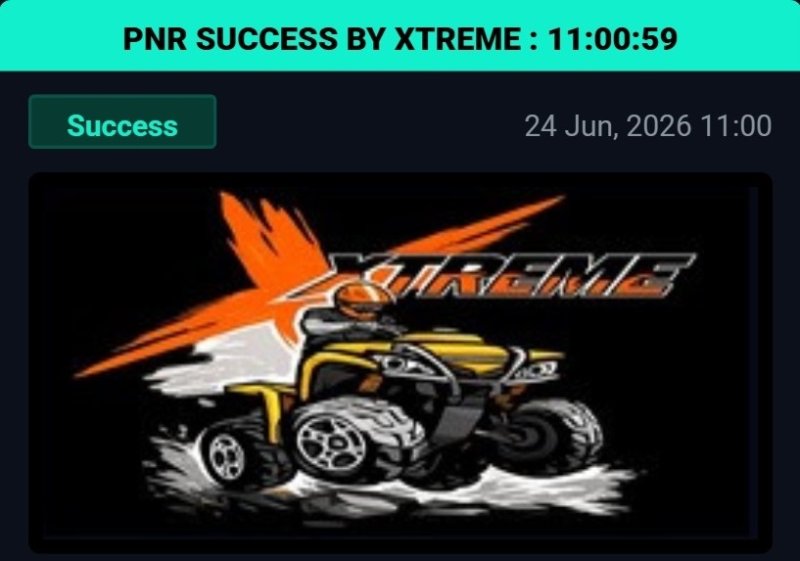
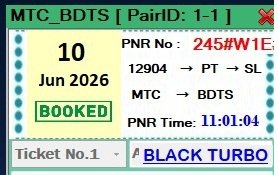
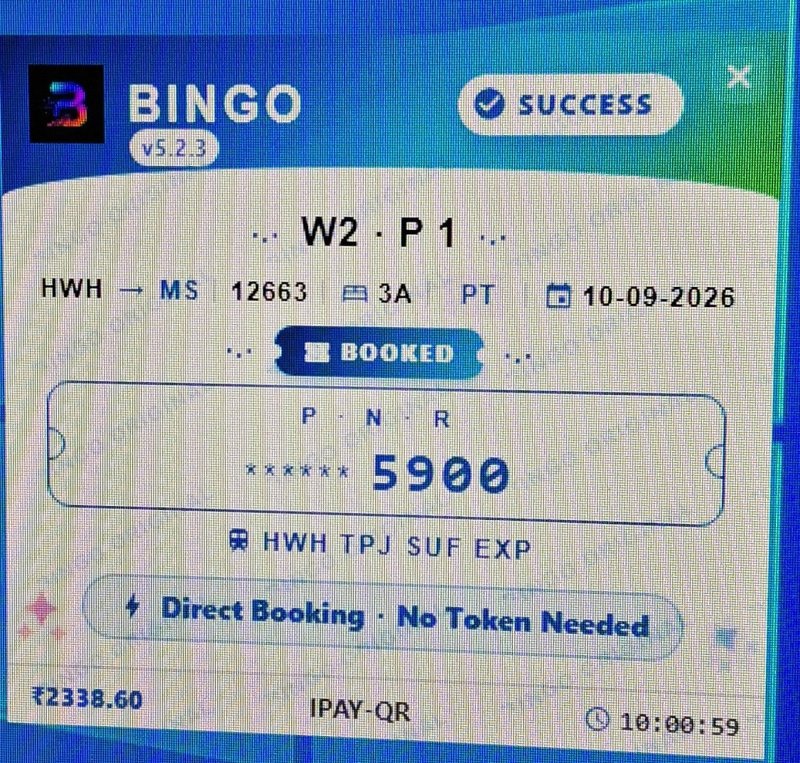
Niche Terminal ke real software screenshots dekho — actual Tatkal booking interface aur confirmed results.
🚀 Key Features
⭐ Why Choose Terminal?
⬇️ Terminal Tatkal Software Download & License
TatkalSoftware.in Tatkal software ki duniya ka sabse high-tech aur automation-first platform hai — baaki sabhi sellers aur sites se kaafi aage. Terminal ka download, license aur poora setup yahan ekdum automatic — chat brokers wali koi tension nahi.
📋 How to Use Terminal
Step 1: Buy & Download
Is page se "Buy Terminal" par order karo. Payment ke 5-10 min baad Dashboard + WhatsApp dono par download link + license key aa jaayegi.
Step 2: Install karo
Software download karke install karo (2 min setup). Windows 7/8/10/11 par smooth. License key se activate karo.
Step 3: IRCTC ID & Passenger Setup
Apni IRCTC ID (🌐 Web + 📱 App) add karo, passenger master list aur payment (UPI/QR/Net Banking) save karo — ek baar.
Step 4: Tatkal Booking
Tatkal time (AC 10 AM / Sleeper 11 AM) par chalao — auto captcha, smart OTP handling aur auto payment se seconds me booking submit.
💻 System Requirements
| Operating System | Windows 7, 8, 8.1, 10, 11 (64-bit) |
|---|---|
| RAM | Min 4GB (8GB recommended) |
| Internet | Stable broadband / VPS recommended |
| Login Mode | 🌐 Web + 📱 App |
| Extra (optional) | VPS + Proxy for hard routes |
⚙️ Software Installation Requirements
Tatkal software run / setup karne se pehle ye 4 required files install kar lijiye. Ek baar install ho gayi to har software smoothly chalega.
💻 Remote Installation Support
Agar aapko software installation ya setup nahi aata, to FREE remote support available hai. Hamari team aapke PC par connect karke pura software install + setup kar degi.
- AnyDesk download & install karein
- AnyDesk open karein
- Apna AnyDesk ID WhatsApp par bhejein
- Team connect karke install + setup karegi ✔️
- UltraViewer download & install karein
- UltraViewer open karein
- Apna ID & Password WhatsApp par bhejein
- Team connect karke install + setup karegi ✔️
💰 Terminal Tatkal Software Price
Terminal Tatkal Software ki price ₹1,999 per month hai. Is price me auto captcha, all-bank smart OTP handling, auto payment, daily updates, instant WhatsApp license delivery aur 24/7 support — sab included hai. 1 Day Money Back Guarantee ke saath bilkul risk-free.
🛒 Buy Terminal — ₹1,999🎁 Terminal + VPS Combo
Terminal Software aur high-speed VPS ek hi bundle me — up to 5% tak bachao. Pre-configured, ready-to-use aur turant delivery.
- 🖥️ 8 GB RAM / 4 vCPU / Windows VPS included
- ⚡ Ready-to-use — software + server pre-configured
- 📲 Instant WhatsApp delivery + license key
- 🎧 24×7 priority support & free setup help
- 🔒 Secure & stable · 1-day money-back guarantee
- 🖥️ 16 GB RAM / 8 vCPU / Windows VPS included
- ⚡ Ready-to-use — software + server pre-configured
- 📲 Instant WhatsApp delivery + license key
- 🎧 24×7 priority support & free setup help
- 🔒 Secure & stable · 1-day money-back guarantee
- 🛡️ 8 GB VPS + Dedicated Linux IP (anti-ban, hard routes)
- ⚡ Ready-to-use — software + server pre-configured
- 📲 Instant WhatsApp delivery + license key
- 🎧 24×7 priority support & free setup help
- 🔒 Secure & stable · 1-day money-back guarantee
🔥 Other Tatkal Software — Buy or Compare
Recommended products pehle dikh rahe hain. Yahi se buy karo ya full details dekho:
- ☁️ VPS Optimized Performance
- 🔄 Automatic Software Updates
- 🛡️ Advanced Protection Layer
- ⚙️ Stable & Consistent Operation
- 🎯 Precise & Fast Tatkal Booking
- 📱 App + Web — dono pe login
- ⚡ Auto Captcha + Auto Payment
- 🔒 All-Bank OTP Support
- 🔥 Direct Web Login
- 💳 Auto UPI / QR Payment
- 🎫 Dual PNR Booking
- 🌐 VPS & Proxy Supported
- ⚡ High-Speed Performance
- 🔒 Secure & Stable Access
- ☁️ VPS Ready Compatibility
- 🔄 Regular Software Updates

- Browser Base Login
- Auto Payment (UPI / QR )
- VPS & Proxy Support
- Instant License Delivery
- 📱 BOTH LOGIN AVAILABLE
- 🔥 EASY TO USE
- 🎫Dual PNR Booking
- 💳 Auto UPI / QR Payment
🔍 Terminal vs Manual Tatkal Booking
| Feature | Terminal Software | Manual Booking |
|---|---|---|
| Auto Captcha Fill | ✅ Yes (free) | ❌ Manual type |
| all-bank smart OTP handling | ✅ Yes | ❌ No |
| Auto Payment (UPI/QR) | ✅ Automatic | ⏳ Manual entry |
| Booking Speed | ⚡ ~10 seconds | 🐢 2-3 minutes |
| Confirmed Ticket Chance | 🟢 Very High | 🔴 Low |
| Master List Auto-Fill | ✅ Yes | ❌ Type every time |
| 24/7 Support | ❌ None |
Terminal premium speed aur reliability deta hai. Fast confirmed Tatkal booking ke liye Terminal best choice hai — VPS/Proxy ke saath aur bhi tez.
TatkalSoftware.in par 12 software hain — har ek alag use-case ke liye. Terminal (🌐 Web + 📱 App, ₹1,999) un users ke liye perfect hai jo travel agents aur travelers jo fast aur reliable tatkal booking chahte hain. Confused ho to hamari 24/7 WhatsApp team aapko sahi software suggest karegi.
👥 Terminal Community + Setup Guide
Terminal ke daily updates, booking tips aur step-by-step setup guide ke liye join karo.
WhatsApp Channel Telegram Read Setup Guide❓ Terminal — Frequently Asked Questions
Q Terminal Tatkal Software kya hai?
Terminal ek fast Web + App Tatkal software hai jiski khaas khoobiyan hain — FreeCharge bypass, multi-payment QR aur dual (2) PNR booking ek saath. Modern payment automation ke liye banaya gaya.
Q Terminal me "FreeCharge Bypass" aur "Multi Payment QR" ka matlab?
Matlab payment step me flexibility — multiple UPI/QR options aur smooth payment flow, jisse Tatkal ke critical seconds me payment atkta nahi. Isi wajah se success rate improve hota hai.
Q Terminal se ek saath 2 PNR ho sakte hain?
Haan, Terminal dual PNR (2 booking ek saath) support karta hai — ek hi window me zyada confirmed tickets ka chance.
Q Terminal ka demo milta hai?
Haan — Terminal ka FREE demo available hai. Buy karne se pehle bina paisa lagaye software try kar sakte ho.
Q Terminal ki price aur validity?
Terminal ₹1,999/month — 30-din full license, saare features + updates + 24×7 support ke saath.
Q Terminal 2026 Aadhaar Tatkal rules ke saath chalega?
Haan. Tatkal me ab Aadhaar-linked IRCTC ID + OTP verification zaroori hai — Terminal aapki saved IRCTC ID se login aur OTP smart-handling khud karta hai. Bas aapki IRCTC ID Aadhaar-verified honi chahiye (ye process IRCTC ki taraf se hota hai, software usme OTP fill karne me madad karta hai).
Q Terminal ke liye VPS/proxy chahiye?
Optional — apne PC pe chalega; peak/hard routes pe VPS/proxy add karke speed badha sakte ho.
Q Payment ke baad Terminal kaise milega?
Payment auto-verify hote hi (5-10 min) license key + download link aapke Dashboard "My Software" aur WhatsApp — dono par aa jaati hai. Setup guide, how-to video, invoice aur renew button bhi wahin milta hai.
Q PC change par Terminal reset hoga?
Haan — Dashboard ke "My Software" section me Terminal ke card par "Reset Request" dabao, kuch hi minuton me automatic reset ho jaata hai. Nayi key kharidne ki zaroorat nahi, aur WhatsApp par confirmation bhi aa jaata hai.
Q Terminal me refund/rewards?
Haan, 1-Day Money Back Guarantee hai. Aur sirf TatkalSoftware.in par har eligible purchase pe wallet cashback, naye account pe welcome bonus aur referral pe ₹100 credit bhi milta hai — jo koi doosra Tatkal seller nahi deta.
💳 Scan & Pay
🎉 Congratulations!
Aapka order place ho gaya — successfully! 🎊
✅ Admin payment verify karte hi aapki license key seedhe Dashboard → My Software me aa jayegi — aur WhatsApp par bhi bhej denge.
WhatsApp pe Confirm Karo 📋 My Orders dekho →