
Windows VPS vs Linux VPS for Tatkal 2026 — Konsa Lein?
Tatkal ke liye server choose karte waqt bada sawaal — Windows VPS (RDP) ya Linux VPS (SSH)? Dono ka use-case bilkul alag hai. Galat choose kiya to ya to software chalega hi nahi, ya extra paisa lag jaayega. Ye guide clear kar deti hai.
Windows VPS (RDP) — kya aur kiske liye
Windows VPS ek GUI-based remote desktop hai — aap mouse/keyboard se waise hi kaam karte ho jaise apne PC par. Zyadatar Tatkal software Windows par hi banaye jaate hain, isliye ye direct install karke chalte hain. Naye users ke liye sabse aasaan.
- Tatkal software direct chalta hai ✅
- Aasaan GUI (remote desktop)
- Naye users ke liye best
- Thoda mehenga (Windows license)
Linux VPS (SSH) — kya aur kiske liye
Linux VPS command-line (SSH) based hai — halka, tez aur sasta. GUI Tatkal software direct nahi chalta, par ye proxy hosting, tunneling aur automation ke liye best hai. Tech-savvy users aur proxy setup ke liye.
- Sasta + halka ✅
- Proxy/tunnel/automation ke liye best
- GUI Tatkal software direct nahi chalta ❌
- SSH knowledge chahiye
Seedha comparison
| Point | Windows RDP | Linux VPS |
|---|---|---|
| Interface | GUI (aasaan) | SSH (command-line) |
| Tatkal software | Direct chalta hai | Proxy/automation ke liye |
| Price | Thoda zyada | Sasta |
| Skill chahiye | Kam (GUI) | Thodi (SSH) |
| Best for | Zyadatar agents | Proxy/tech users |
Tatkal ke liye verdict
Seedhi baat: zyadatar Tatkal agents ke liye Windows RDP VPS best hai — kyunki software direct chalta hai aur GUI aasaan hai. Linux VPS sirf tab lo jab aapko proxy banana ho ya automation chahiye (jaise Indian proxy setup).
Best combo
Kuch pro agents dono use karte hain — Windows VPS software ke liye + Linux VPS/proxy fresh IP ke liye. Par ye advanced setup hai. Naye ho to sirf Windows VPS se shuru karo.
Galtiyan avoid karein
- Linux le liya software ke liye — GUI software chalega nahi. Software ke liye Windows lo.
- Low-RAM Windows — lag karega. Zaroorat ke hisaab se RAM lo.
- Foreign location — Tatkal ke liye India VPS lo (low latency).
Conclusion
Tatkal software chalana hai = Windows RDP VPS. Proxy/automation = Linux VPS. Confuse ho to free demo me hum aapke use ke hisaab se sahi VPS suggest kar denge. Dono plans dekhein →
❓ Frequently Asked Questions
Tatkal ke liye Windows ya Linux VPS?
Linux VPS par Tatkal software chalta hai?
Konsa sasta hai?
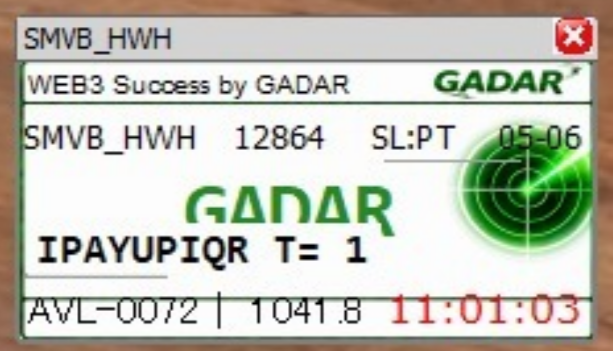
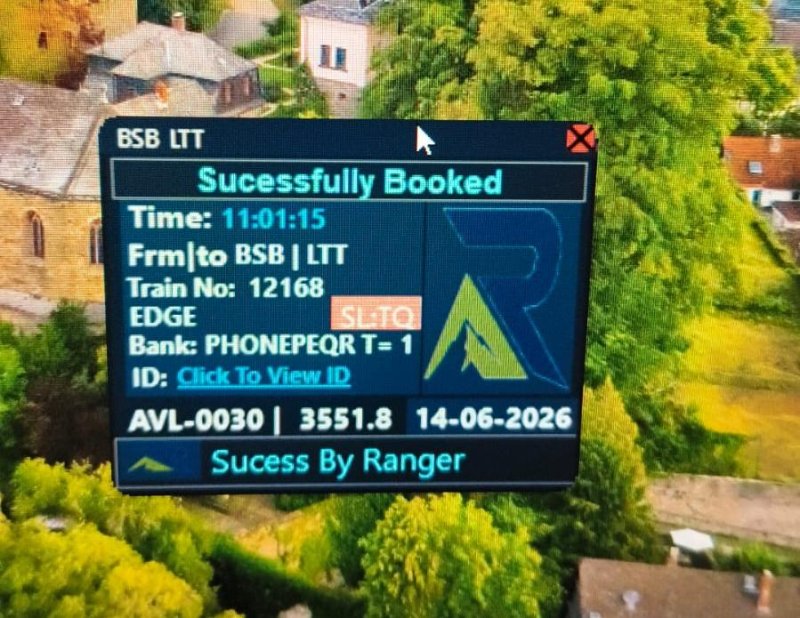
💻 Recommended Tatkal Software
thousands of agents in software se daily confirmed tickets book karte hain 👇

📲 Join Our Community — Free Updates & Tricks
Daily working updates, live results aur Tatkal tricks ke liye humse judo:
Tatkal ticket confirm karna hai? 🚄
TatkalSoftware.in ke genuine software se booking seconds me. thousands of agents ka bharosa. Pehle FREE demo try karo.
🛒 Buy Software 🎁 Free Demo📚 Related Articles
🔥 Popular Articles
- Tatkal TipsTatkal Ticket Book Kyun Nahi Ho Raha? 7 Reasons + Solution (2026)
- ComparisonTatkal vs General Booking — Difference, Timing & Price (2026)
- Tatkal TipsIRCTC Tatkal Rules 2026 — Aadhaar Mandatory, Timing, Charges & Quota
- Tatkal TipsTatkal Waiting List Confirm Hoga Ya Nahi? Sachchai (2026)
- Tatkal TipsTatkal Ticket Cancellation & Refund Rules 2026 (Pura Sach)