
Linux Proxy Setup Guide for Tatkal — Step by Step 2026
Linux Proxy Tatkal agents ke liye ek powerful aur essential tool hai. Ye aapka real IP hide karke ek clean, dedicated IP se IRCTC tak request bhejta hai — jisse aapki IDs ban se bachti hain aur hard routes par bhi better success milta hai. Is complete step-by-step guide me hum proxy ka concept, uske benefits, aur Tatkal software me setup ka poora process samjhenge.
Linux Proxy Kya Hai?
Proxy ek intermediate server hota hai jo aapke aur IRCTC ke beech baithta hai. Jab aap booking karte ho, to request pehle proxy par jaati hai, phir proxy apne clean IP se IRCTC tak bhejta hai. Isse aapka asli IP hidden rehta hai. Linux Proxy stable, fast aur Tatkal booking ke liye specially optimized hota hai.
Proxy Kyun Zaroori Hai?
- Anti-ban: Har IRCTC ID ko alag clean IP milta hai, jisse ban ke chances bahut kam ho jaate hain.
- Hard routes: High-demand routes par better success rate.
- Multiple IDs: Alag IP se safely kai IDs chala sakte ho.
- Privacy: Aapka real IP aur location hidden rehta hai.
Linux Proxy Setup — Step by Step
Step 1: Proxy Khareedo
TatkalSoftware.in se dedicated Linux Proxy lo. Khareedne ke baad aapko proxy details milengi — IP address, port number, username aur password. Ye details aapke email/WhatsApp par bhej di jaati hain.
Step 2: Software Me Proxy Details Daalein
Apne Tatkal software ki Proxy ya Network settings me jao. Wahan ye fields milengi, inhe bharo:
- Proxy IP / Host address
- Port number
- Username aur Password (agar authenticated proxy hai)
Step 3: Connection Test Karo
Details save karke connection test karo. Software dikhayega ki proxy connected hai ya nahi. Agar status green/connected dikhe, to aapka proxy ready hai. Agar error aaye, to IP/port dobara check karo ya support se help lo.
Step 4: Booking Shuru Karo
Ab aapka software proxy ke clean IP se chalega — anti-ban protection ke saath, Tatkal ke liye fully ready.
Pro Tips — Proxy Best Use
- Har IRCTC ID ke liye alag proxy IP use karna best hai.
- Free ya public proxy kabhi use mat karo — wo already flagged hote hain aur ban ka risk badhate hain.
- Proxy + VPS combo = maximum speed + safety.
- Setup me dikkat ho to AnyDesk par free help milti hai.
🎁 Best value ke liye Software + VPS + Linux IP combo lo — sab kuch pre-configured milta hai, koi manual setup nahi karna padta.
Conclusion
Linux Proxy setup simple hai — khareedo, software me IP/port/username daalo, test karo, aur booking shuru. Anti-ban aur clean IP ke liye proxy har serious agent ke liye must-have hai. Proxy plans dekho ya WhatsApp par setup help lo. ID safety ke liye IRCTC ban se bachne ka guide bhi padho. 🚄
❓ Frequently Asked Questions
Linux Proxy kya hai aur kyun chahiye?
Proxy software me kaise daalein?
Free proxy use kar sakte hain?
Proxy aur VPS dono chahiye?
💻 Recommended Tatkal Software
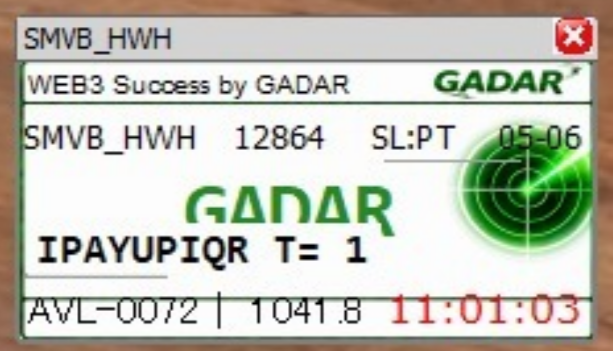
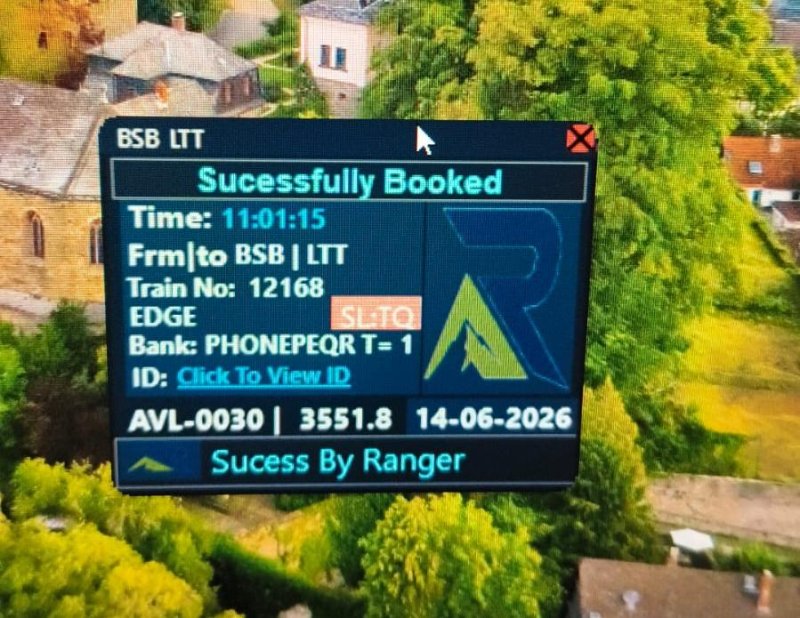
15,000+ agents in software se daily confirmed tickets book karte hain 👇

📲 Join Our Community — Free Updates & Tricks
Daily working updates, live results aur Tatkal tricks ke liye humse judo:
Tatkal ticket confirm karna hai? 🚄
TatkalSoftware.in ke genuine software se booking seconds me. 15,000+ agents ka bharosa, 2016 se. Pehle FREE demo try karo.
🛒 Buy Software 🎁 Free Demo📚 Related Articles
🔥 Popular Articles
- Tatkal TipsTatkal Ticket Book Kyun Nahi Ho Raha? 7 Reasons + Solution (2026)
- ComparisonTatkal vs General Booking — Difference, Timing & Price (2026)
- Tatkal TipsIRCTC Tatkal Rules 2026 — Timing, Charges, Quota & Limit
- Tatkal TipsTatkal Waiting List Confirm Hoga Ya Nahi? Sachchai (2026)
- Tatkal TipsTatkal Ticket Cancellation & Refund Rules 2026 (Pura Sach)